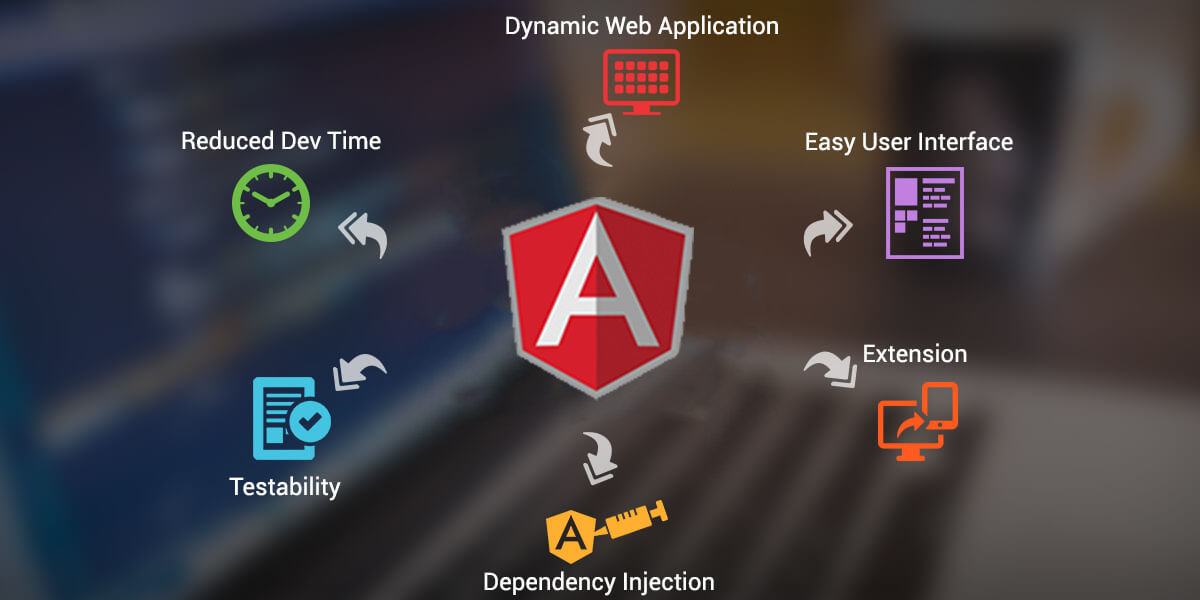
Getting Started with Angular: A Beginner's Guide
Welcome to Getting Started with Angular, a beginner's guide designed to introduce you to one of the most powerful front-end frameworks available today. Angular is a platform that makes it easy to build applications with a component-based architecture, enabling you to create scalable and maintainable web applications. To get started, you need to have a basic understanding of HTML, CSS, and JavaScript. With these prerequisites, you're ready to dive in!
Before you start coding, it's essential to set up your development environment. Here are the basic steps to get you going:
- Install Node.js: Angular requires Node.js and npm (Node Package Manager) to manage the packages needed for your application.
- Install Angular CLI: The Angular Command Line Interface (CLI) will help you create projects, generate components, and run your application with ease. You can install it using the command:
npm install -g @angular/cli - Create a new Angular project: Use the CLI to create a new project with:
ng new my-angular-app
With your environment set up, you're on your way to building your first Angular application!
Top 10 Angular Best Practices for Developers
When developing applications with Angular, adhering to best practices is essential for maintaining code quality and enhancing performance. Here are the Top 10 Angular Best Practices for Developers that can elevate your development process:
- Use Angular CLI: The Angular Command Line Interface (CLI) helps streamline the setup of Angular projects, enabling developers to create new projects, add components, and manage dependencies with ease.
- Modular Architecture: Structure your application into modules to enable better organization, reusability, and lazy loading, which improves performance.
- Follow the DRY Principle: Avoid code duplication by encapsulating functionality in services and components, ensuring easier maintenance and scalability.
- Leverage Reactive Programming: Utilize Observables and the RxJS library to handle asynchronous data streams, thus making your application more responsive and easier to manage.
- Employ Strong Typing: Use TypeScript's strong typing features to catch errors early in the development process, improving code reliability.
- Optimize Change Detection: Implement change detection strategies wisely to control how Angular updates the UI, enhancing performance, especially in larger applications.
- Utilize Lazy Loading: Split your application into lazy-loaded modules to reduce the initial load time, loading feature modules only when required.
- Implement State Management: Consider using libraries like NgRx for managing application state efficiently, ensuring a clear data flow and better maintainability.
- Avoid Using ngIf Inside ngFor: This combination can lead to performance issues. Instead, structure your templates to limit the use of these structural directives together.
- Conduct Regular Code Reviews: Foster a culture of collaboration by regularly reviewing code with peers to catch potential flaws and share knowledge.
Common Angular Challenges and How to Overcome Them
Angular is a powerful framework, but developers often face common challenges that can hinder their productivity. One significant issue is performance optimization. As applications grow, they can become sluggish due to factors such as unnecessary change detection cycles and large bundle sizes. To overcome this, developers can utilize techniques such as OnPush change detection, which limits the frequency of checks. Additionally, lazy loading can significantly improve initial load times by splitting the application into smaller, manageable bundles that are loaded as needed.
Another prevalent challenge in Angular development is maintaining state in complex applications. Managing application state across various components can lead to confusion and bugs. To address this, it's essential to favor a centralized state management approach, such as using NgRx or Akita. These libraries provide a structured way to handle state changes and track data flow, making it easier to manage and debug the application. Embracing these solutions can streamline the development process and enhance your application's scalability and maintainability.